“Which port is this IP on?”
IP-to-switch-port and IP–MAC history show where and when an address was seen.
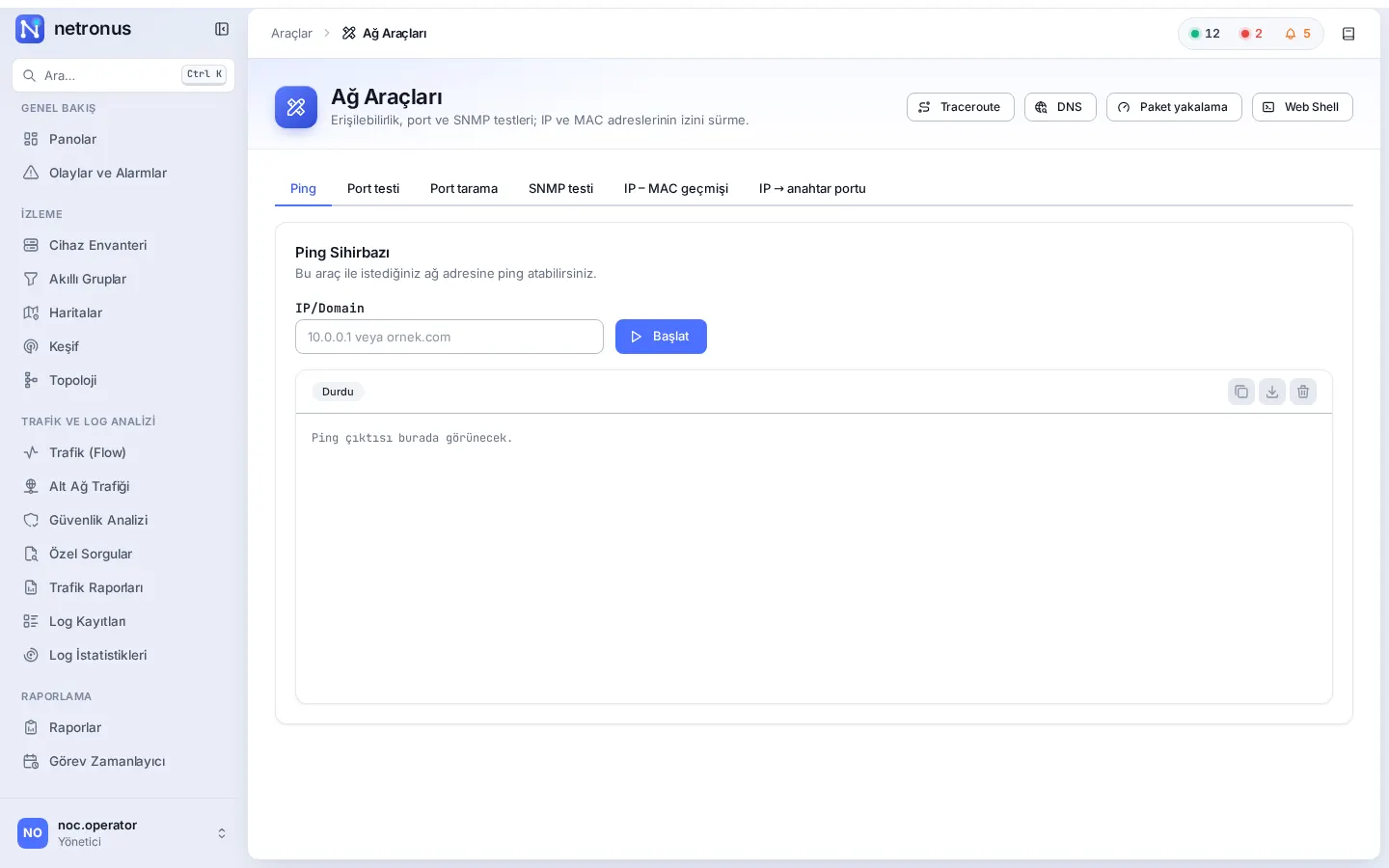
Ping, SNMP, ports, SSH, capture
Netronus puts the troubleshooting tools you need into the browser, with no jump host or client software. The tools run on the Netronus appliance itself, so you measure from inside the network, from where your devices actually are.
Problems it solves
IP-to-switch-port and IP–MAC history show where and when an address was seen.
Verify credentials and reachability instantly with SNMP v2c and v3 tests.
Web Shell opens SSH sessions to devices from the browser, gated by permissions.
Capabilities
Reachability and path analysis from the Netronus appliance.
Name and record lookups.
Scan a host or network for open ports, or test a single port.
Verify access and credentials with SNMP v2c and v3.
Which IP–MAC pairs were seen, and when.
Find the switch and interface an IP address is connected to.
Capture packets on the Netronus appliance, with its own permission.
SSH sessions to devices from the browser, with its own permission.
Detailed feature list
All Netronus modules share the same inventory, the same permission model and the same interface. Any device you see here is one click away in every other module.
Feature matrixRelated modules
Scan your network and add devices to the inventory, build the topology from LLDP/CDP, and watch your sites on a geographic map.
Explore the moduleContinuously monitor routers, switches, firewalls and servers over ICMP and SNMP, and alert the right people through the right channel the moment something breaks.
Explore the moduleUsers, groups and a granular permission matrix; Active Directory/LDAP sign-in, signed automatic updates and on-premises deployment.
Explore the moduleLet’s schedule a demo in your own environment or prepare a quote for your needs. Pricing depends on the number of devices and the modules you choose.