Not everyone should see everything
Group members only see the devices assigned to their group; permissions are granted per module and per action.
Permissions, AD/LDAP, updates, licensing
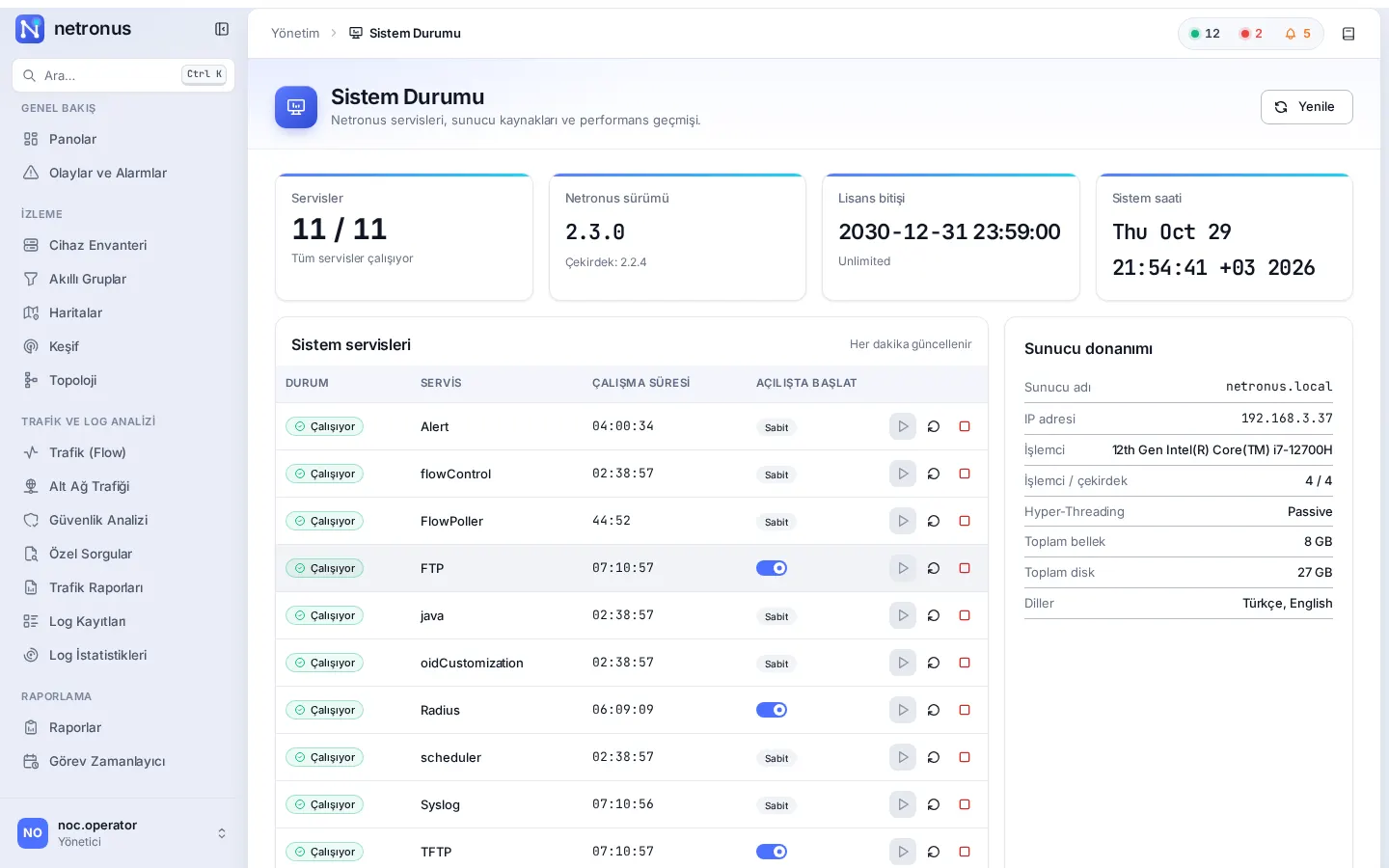
Netronus runs inside your organisation, on your own server. Who sees which device and what they can do in each module is defined in detail with the permission matrix. Updates are digitally signed and verified before they are installed.
Problems it solves
Group members only see the devices assigned to their group; permissions are granted per module and per action.
Sign in with Active Directory / LDAP, local accounts, or both.
Signed updates, system backups, HTTPS certificate management and service monitoring.
Capabilities
Group-based device visibility; group members inherit the group’s permissions.
Separate permissions for inventory, discovery, traffic, logs, configuration management, RADIUS, scheduler, tools and system administration.
Authentication: local, Active Directory/LDAP, or both.
Session timeout, password reset and user profiles.
Update packages are published signed and verified with a public key before installation; automatic updates can be switched on or off in the UI.
Licence key, device limit and expiry date in the interface.
Back up and restore the Netronus configuration and set data retention periods.
IP, DNS, gateway, hostname, NTP and time zone; upload your own HTTPS certificate (PEM).
See, start and stop Netronus services; CPU, memory and disk information.
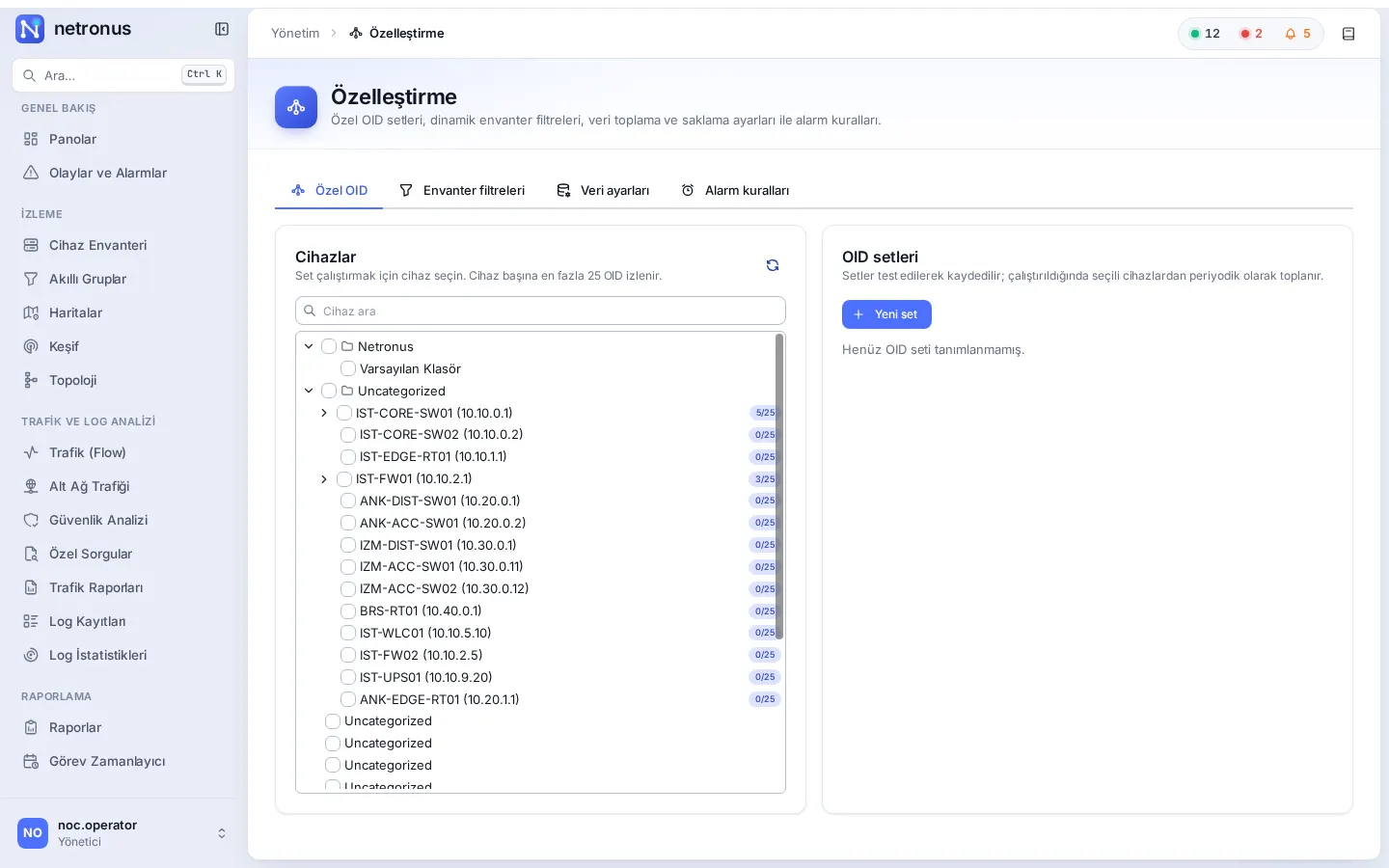
Custom OID sets, dynamic inventory filters, data collection and retention settings, and alarm rules.
Detailed feature list
Related modules
Continuously monitor routers, switches, firewalls and servers over ICMP and SNMP, and alert the right people through the right channel the moment something breaks.
Explore the moduleManage administrator access to your network devices with central RADIUS, and keep a record of who connected to which device and when.
Explore the moduleProduce availability, interface, hardware, IP SLA and system reports from ready-made templates, calculate them over business hours, and run them on a schedule.
Explore the moduleLet’s schedule a demo in your own environment or prepare a quote for your needs. Pricing depends on the number of devices and the modules you choose.